
What does the integration do?
Booming Jobs is a job platform that shows vacancies on an interactive map, so candidates can find work close to home. The integration links your Recruitee account to your Booming Jobs company account:- Your jobs appear on Booming Jobs automatically. Booming Jobs imports the jobs you publish on your Recruitee careers site, so you do not retype them.
- Applications arrive in Recruitee. When a candidate applies on Booming Jobs, the candidate is added to the matching job in Recruitee, where your recruiters already work.
Watch the setup
The video walks through the whole setup in about two minutes. It has subtitles, so you can watch it without sound.Setting up the integration
You need a Booming Jobs company account and access to your Recruitee settings.Step 1: collect your details in Recruitee
Booming Jobs asks for three details from Recruitee.
More detail: Before you start.
Step 2: connect Recruitee in Booming Jobs
1
Open My integrations
Go to your company dashboard in Booming Jobs. In the menu on the left, open My integrations.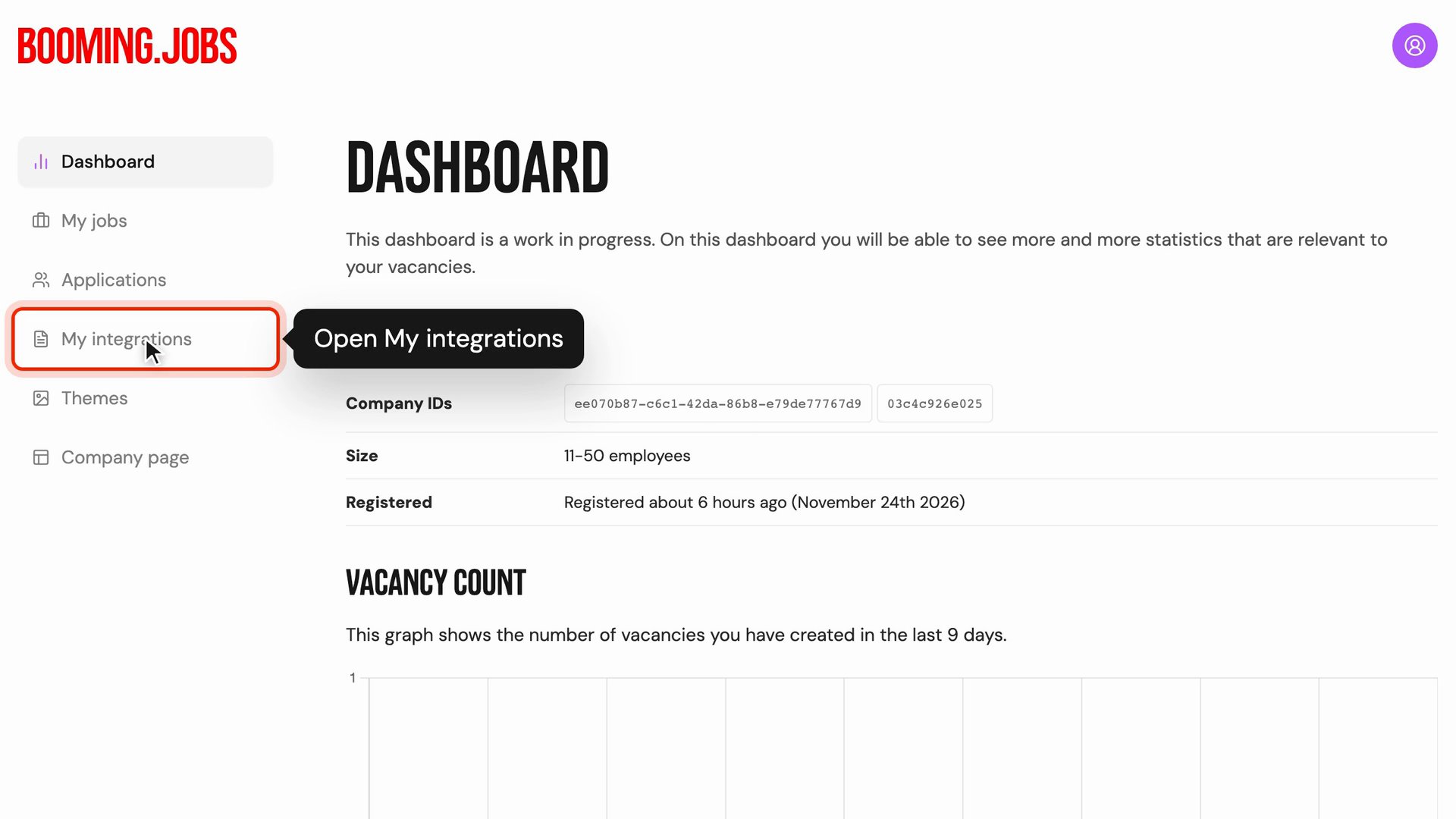
2
Add an integration
Select Add Integration.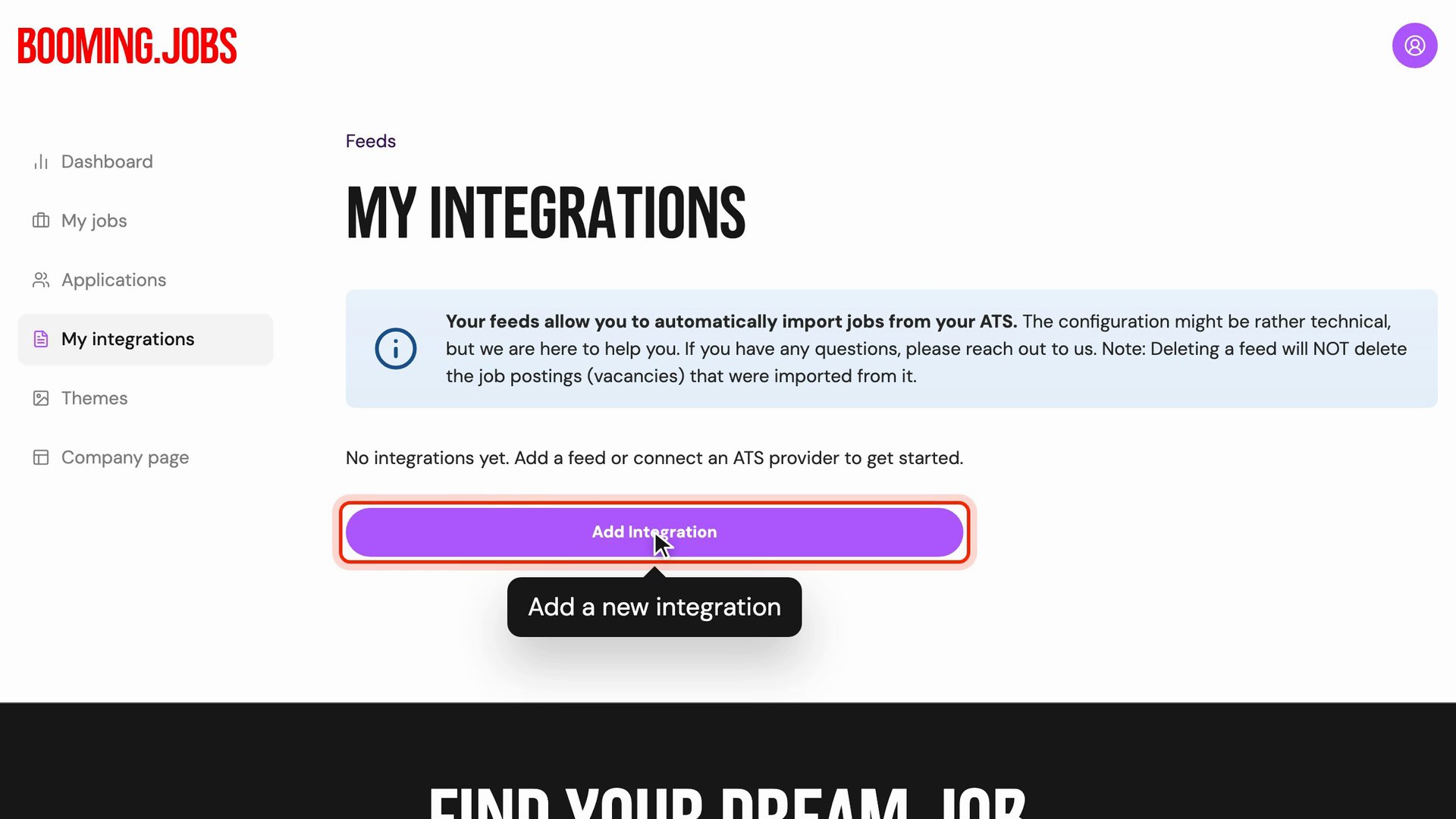
3
Choose ATS Connection
Choose ATS Connection. This links Booming Jobs to your applicant tracking system.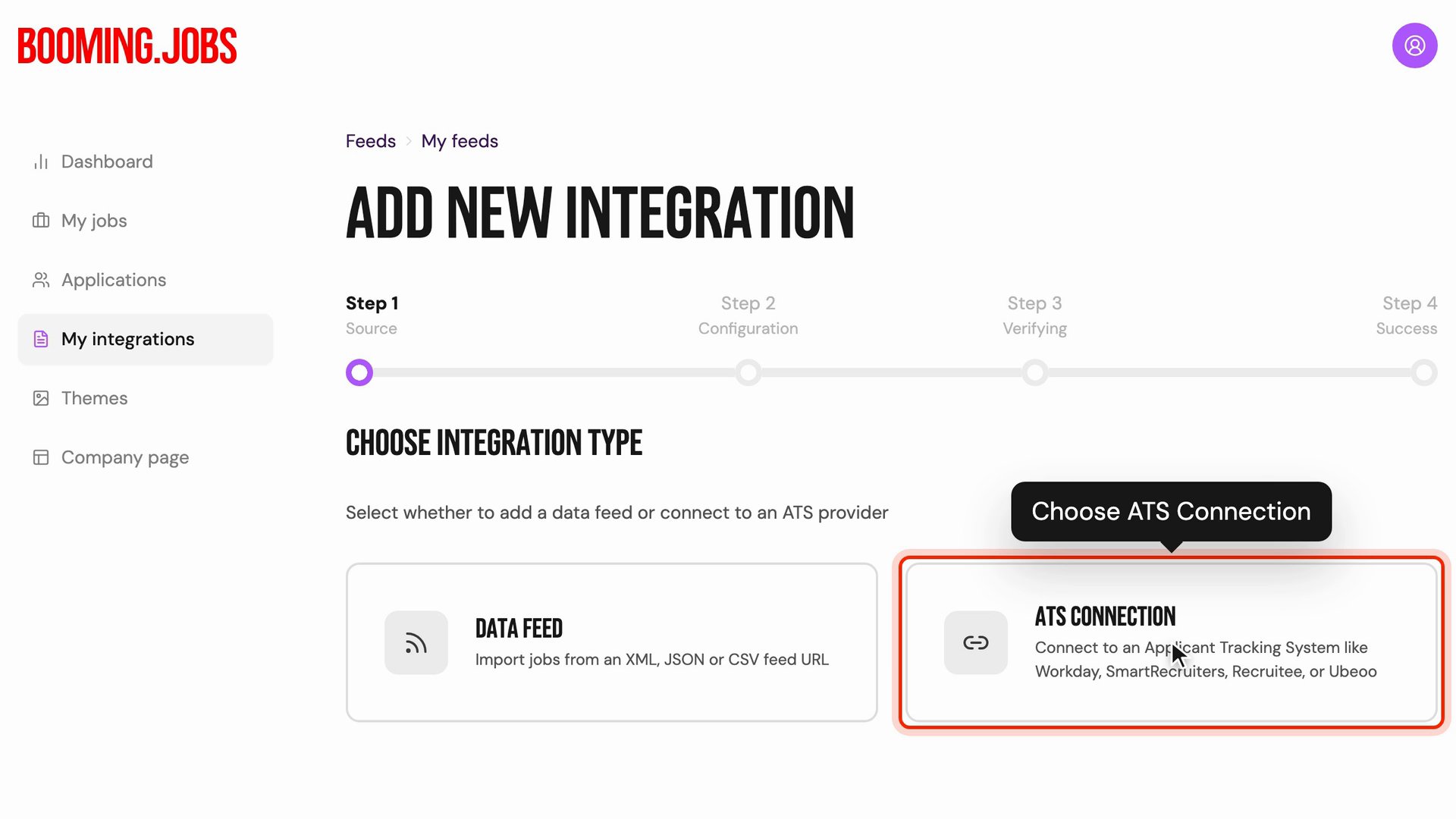
4
Choose Recruitee
Pick Recruitee from the list of providers.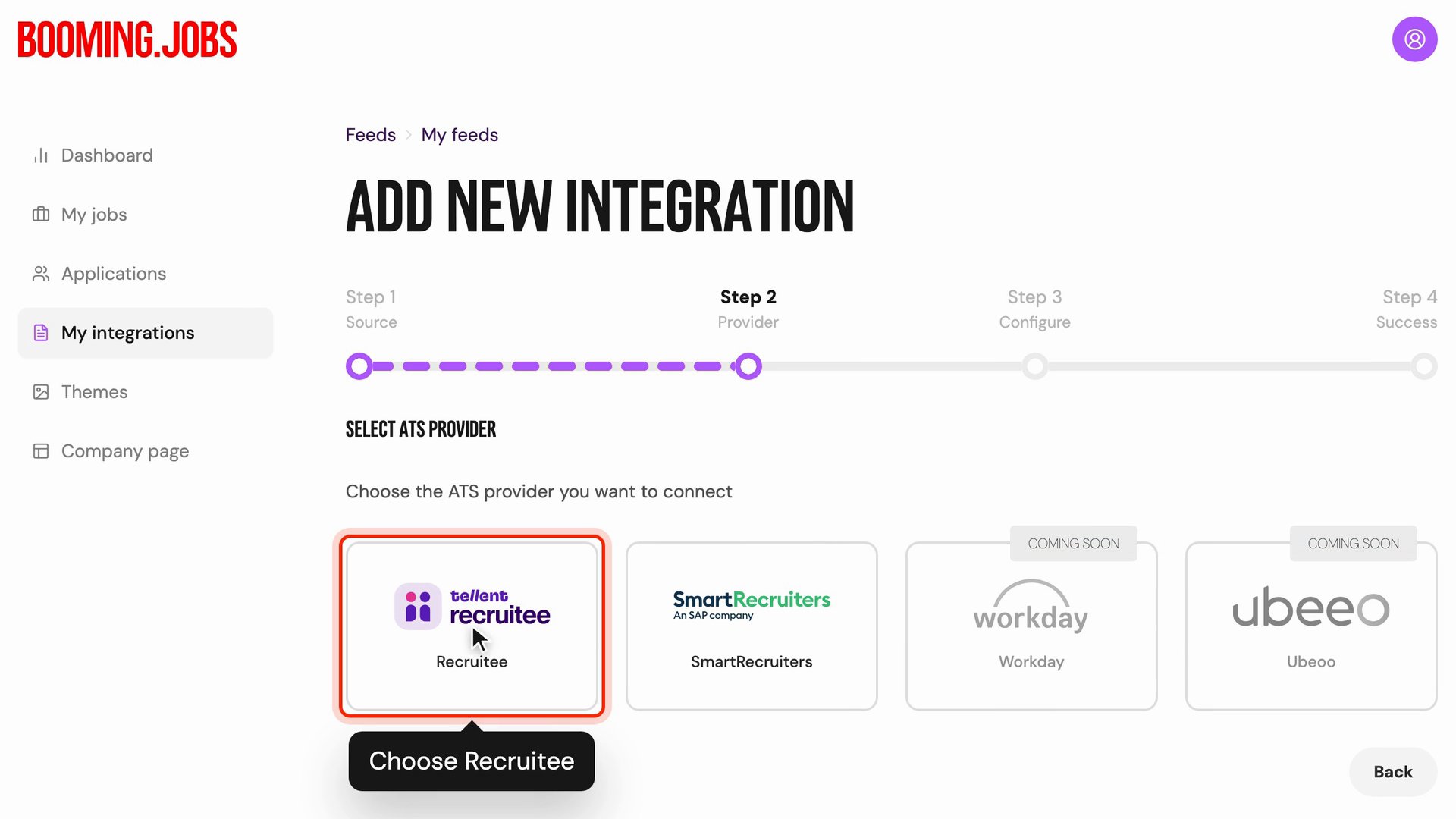
5
Fill in the four fields and connect
All four fields are required. Then select Connect.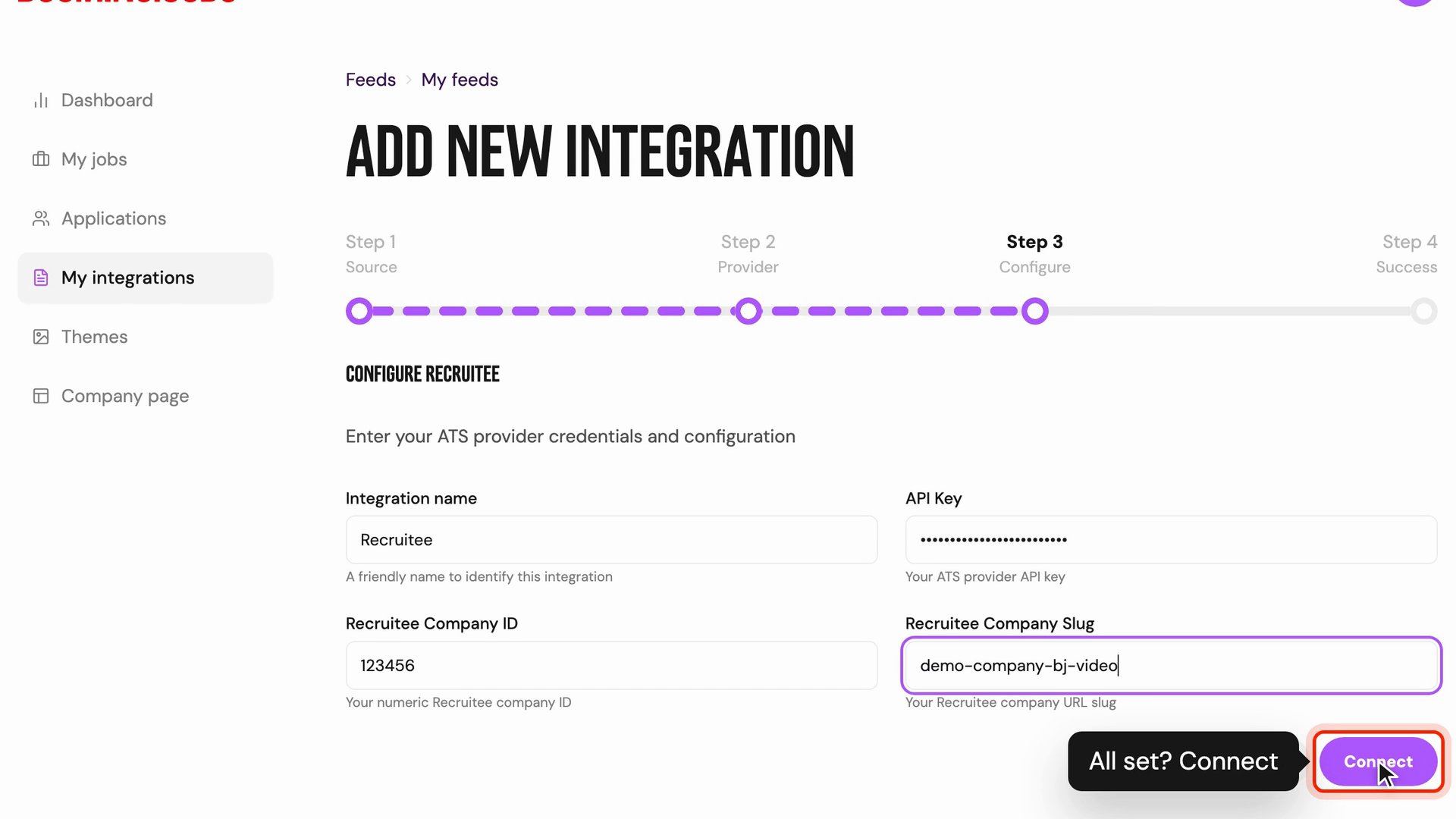
6
Check the result
When the connection works, you see Successfully Connected. Select View Integrations to see Recruitee in your list of integrations.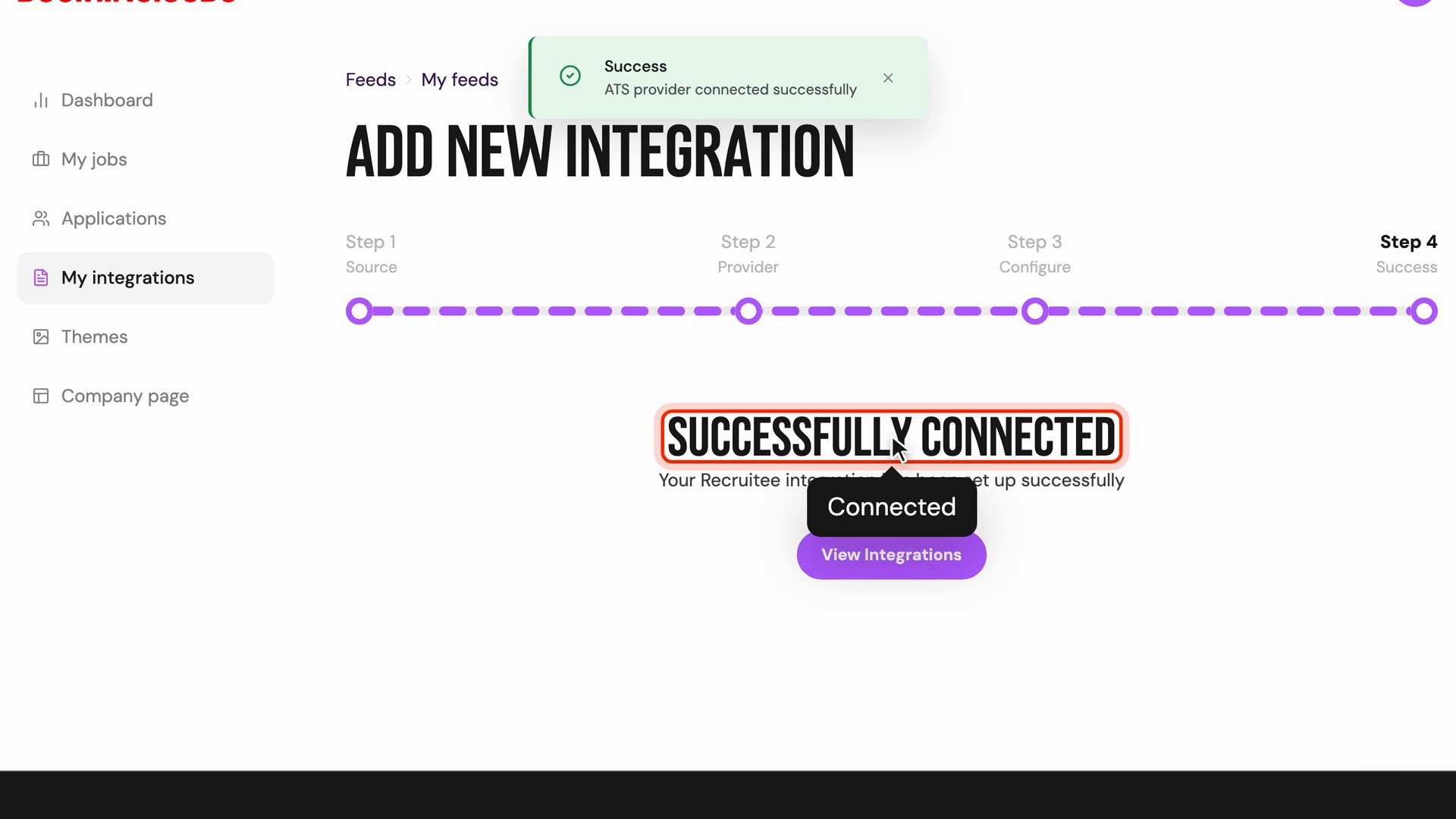
Your integration is now active. Booming Jobs imports your Recruitee jobs and sends applications back to Recruitee.
Step 3: find your candidates in Recruitee
Nothing needs to be switched on in Recruitee. A candidate who applies on Booming Jobs is added to the job they applied for in Recruitee, with the sourcebooming.jobs.
Optional: tracking codes
To add UTM codes to your application links, see UTM tracking. If the connection does not work, see Troubleshooting.What data is shared between Recruitee and Booming Jobs?
Booming Jobs uses your API token to check the connection and to add candidates to your jobs. It does not read your existing candidates or their application status from Recruitee.